User Guidelines
SarahAI Onboarding Guide
Welcome to SarahAI
SarahAI is your AI-powered Executive Assistant, designed to help you stay organised, manage tasks, meetings, contacts, and emails - all through voice and text on WhatsApp & the App. This guide will help you get started quickly and make the most of SarahAI.
To report any issues or support, please contact;
support@thesarahai.com
Step 1: Download and Setup SarahAI
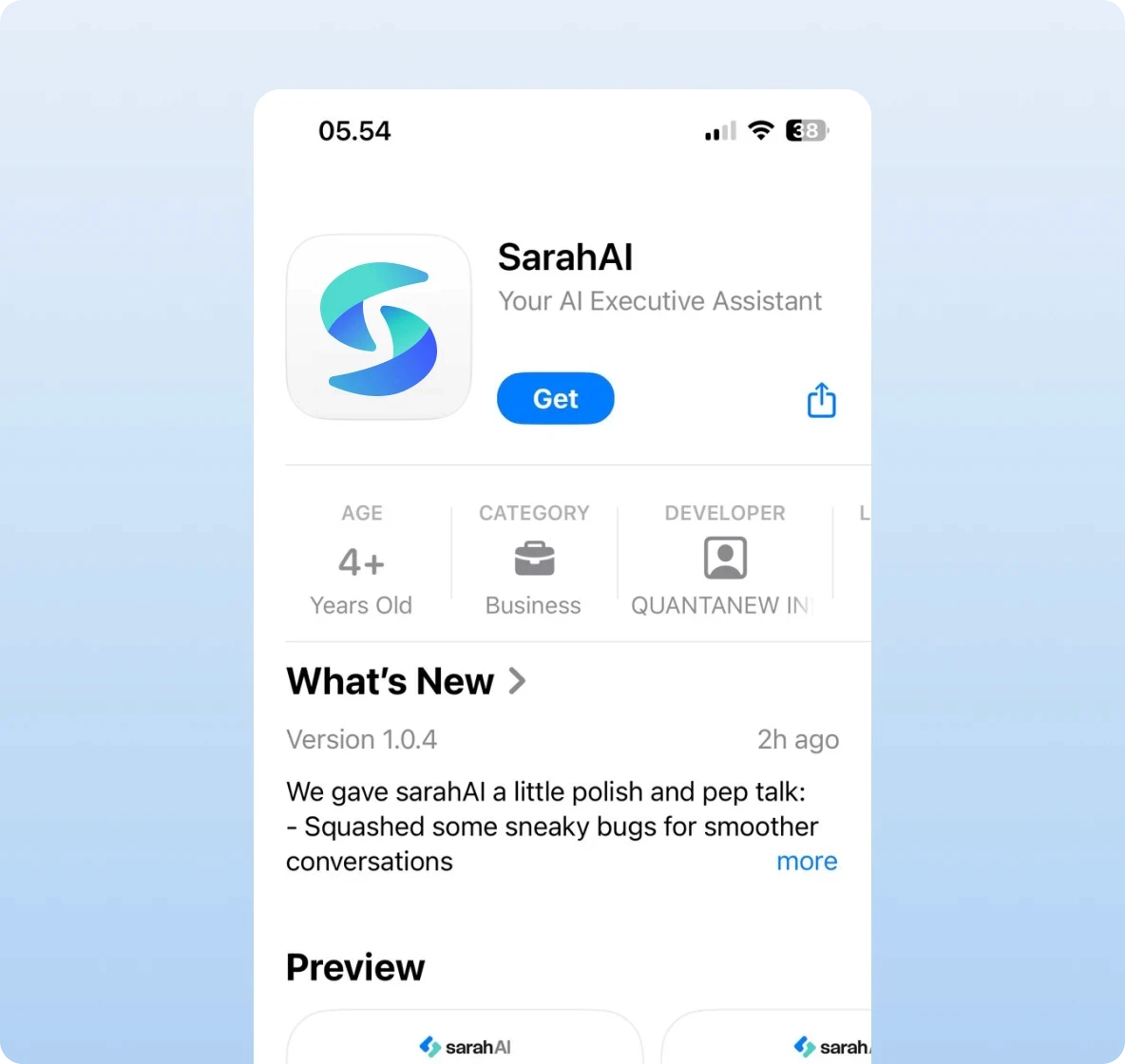
Download the SarahAI App
iOS App: Open the App Store on your iPhone.
Search for SarahAI or follow this link: https://apps.apple.com/ae/app/sarahai/id6744551101
Download and install the app.
Android App: Open the Google Play on your Android phone.
Search for SarahAI or follow this link: https://play.google.com/store/apps/details?id=com.sarahai.android&pcampaignid=web_share
Download and install the app.


Register your account
Open the SarahAI App.
Sign up with your info:
First Name and Last Name – this is what SarahAI will call you.
Email – this is where we will share important information.
WhatsApp Number – your main WhatsApp number where SarahAI will message you.
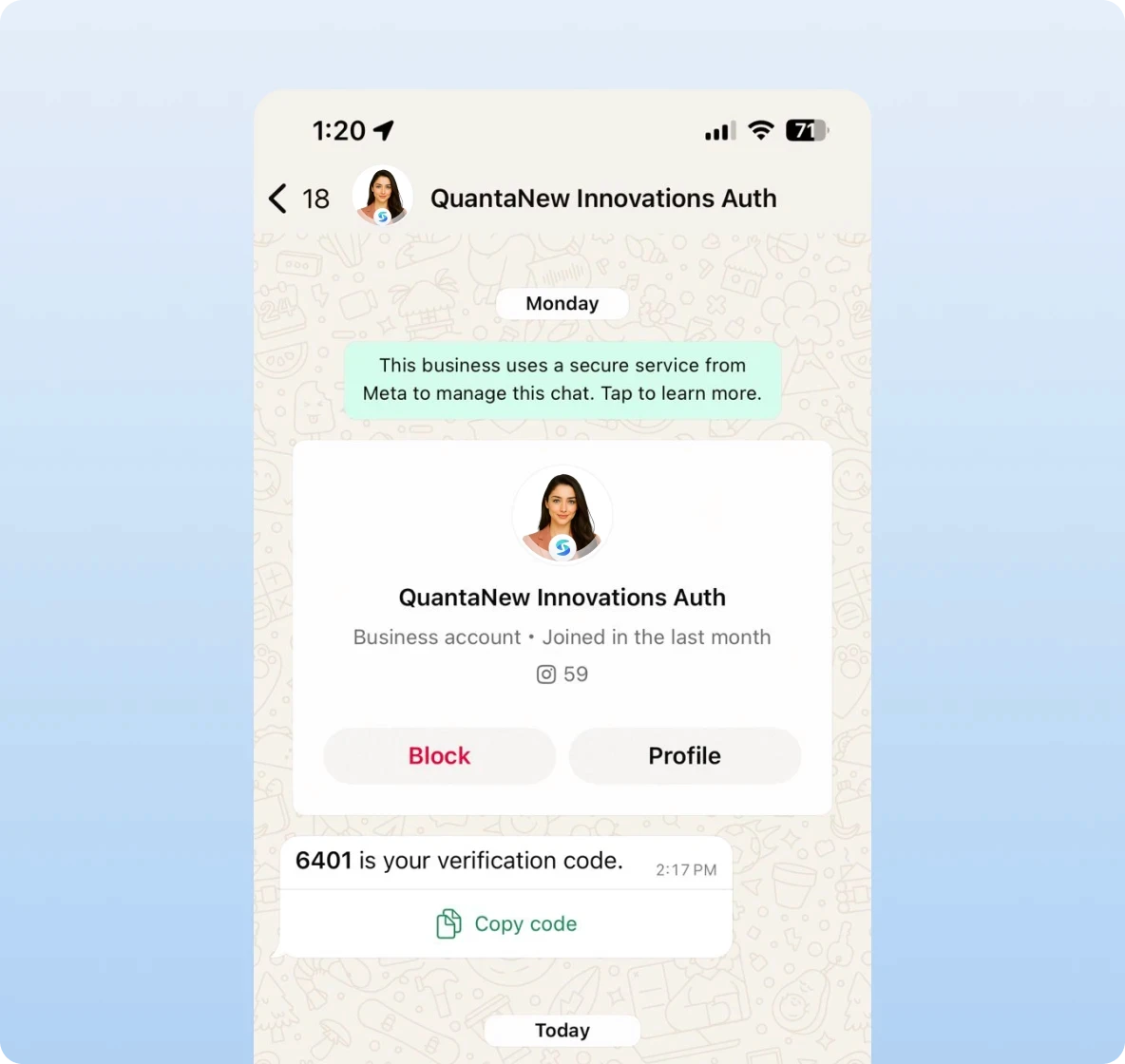
You will receive an OTP code that comes from QuantaNew Innovations Auth on your WhatsApp.
After registration, you’ll see the Welcome Screen.
• Select Integrate Now and sign in with Google or Outlook.
• This connects your calendar and email.Select Allow All when prompted for permissions. These are needed to:
• Calendar Access – to create, update, and manage your meetings.
• Email Access – to read your emails (read-only) and generate summaries.Once complete, you’ll see the main Voice screen - ready to talk with SarahAI.


Consent for WhatsApp Access
Open your WhatsApp and you will get a Consent message from SarahAI’s WhatsApp number.
Name will be “Sarah by QuantaNew Innovations”
Phone number: +971 56 714 7124
You will see a detailed message. Agree to it by selecting the option: "YES."
Optionally, save this number in your Contact list. This enables proactive updates, summaries, and reminders via WhatsApp.
You will start receiving WhatsApp notifications for your Morning Brief from Monday to Friday at 8:30 am by default, and a Weekly Summary on Sunday at 3:00 pm.
Need Help?
Email support